Installation & Setup
Prerequisites
To install and run TestBot:
Supported OS: Windows / Linux
Java Runtime Environment (JRE)
Hardware drivers for targeted interfaces (e.g., CAN, Serial ports)
Ensure all connected devices are powered and accessible before executing tests.
Installing TestBot
Download the TestBot application package.
Extract the package to the desired installation directory.
Launch TestBot using the provided TestBot.exe in the TestBot folder.
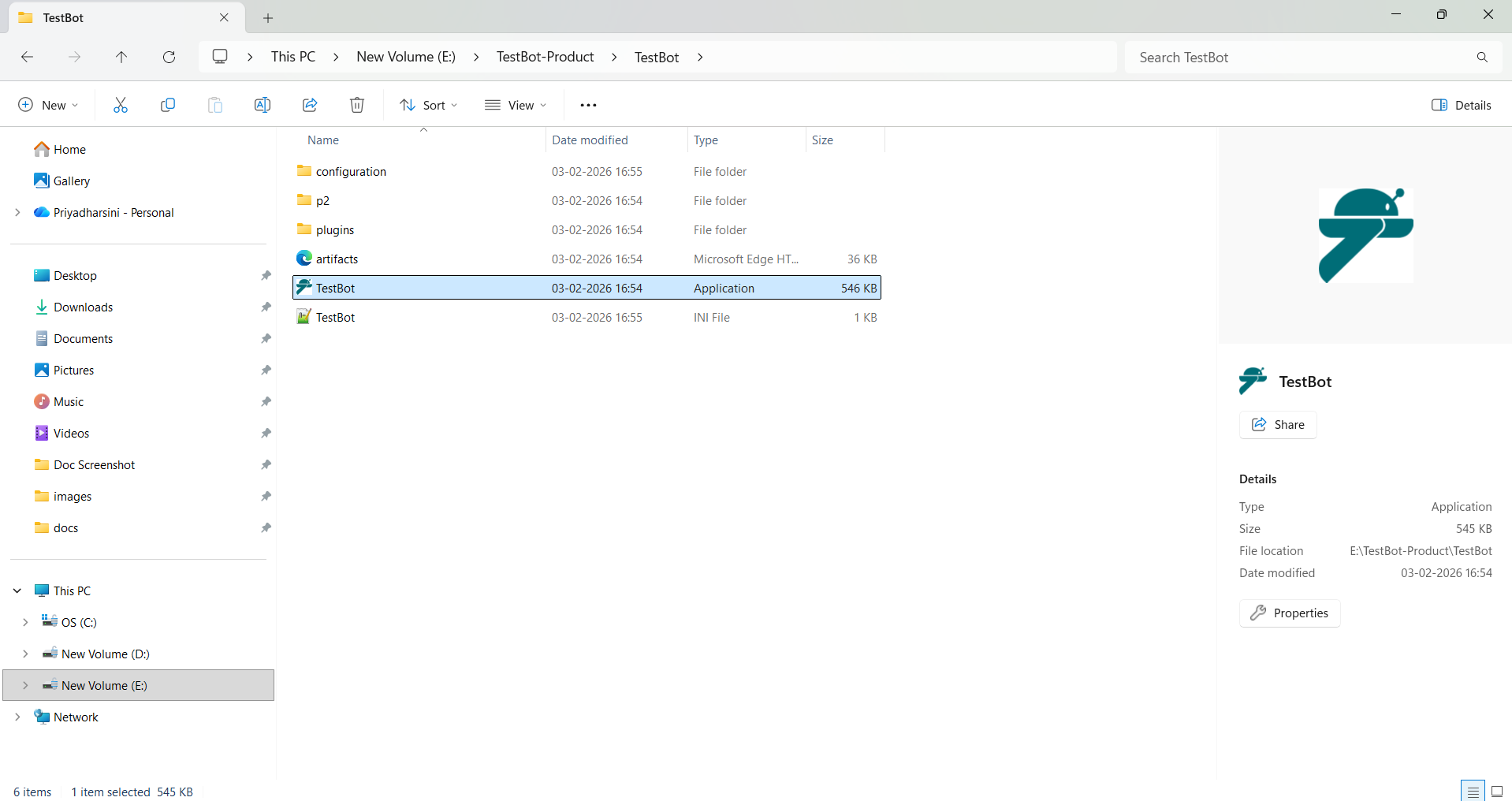
TestBot executable file
On first launch, TestBot initializes the Eclipse RCP environment and prompts the user to select or create a workspace. The workspace stores all TestBot projects, configurations, and user-specific settings.

TestBot Tool