WIFI Agent
Purpose
The WiFi Agent manages configuration, control, and monitoring of WiFi-related functionalities on the device during test execution. It enables automated testing of wireless network setup, connectivity, client management, and internet access by abstracting WiFi operations into reusable test blocks.
WiFi Agent Blocks
1. WIFI Set AP
Configures the device to operate as a WiFi Access Point (AP) with the specified network settings.

Properties
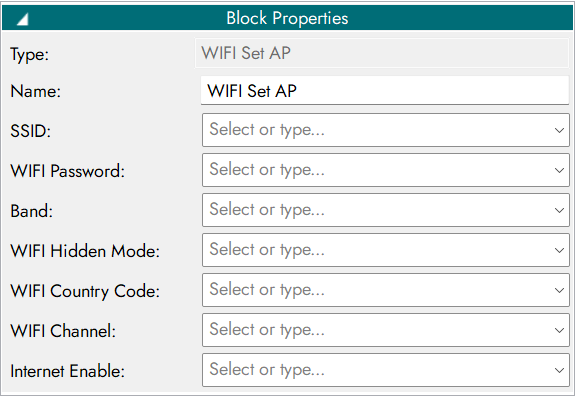
Inputs
Parameter Name |
Description |
|---|---|
SSID |
Name of the WiFi network (Access Point) |
Password |
Security key for the WiFi network |
Band |
Wi-Fi frequency band (e.g., 2.4GHz, 5GHz) |
Channel |
WiFi channel number |
Hidden Mode |
Boolean value specifying whether the SSID should be hidden (true/false) |
Country code |
Country code for regulatory Wi-Fi settings (e.g., IN, US) |
WIFI Set AP - input parameter.
Outputs
Output Code |
Description |
|---|---|
0 |
Access Point configured |
1 |
Failed to configure Access Point |
-1 |
Invalid Access point |
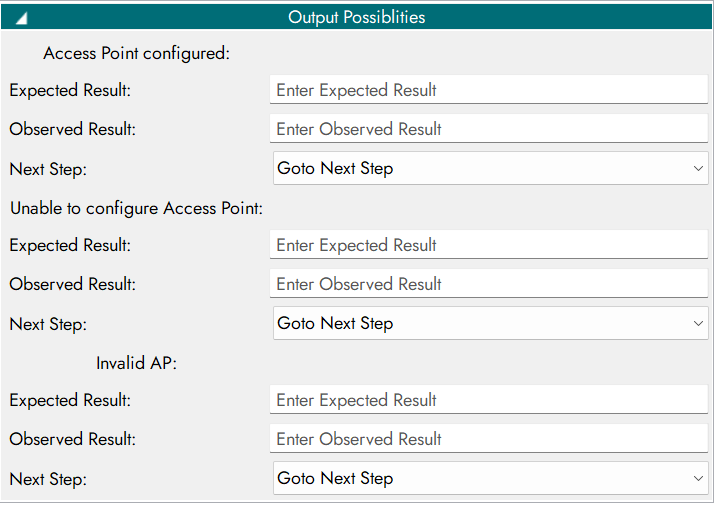
WIFI Set AP - output parameter.
Output Possibilities Configuration
2. WIFI Get Client Details
Retrieves details of devices currently connected to the WiFi Access Point.

Properties

Outputs
Output Code |
Description |
|---|---|
0 |
Wi-Fi client details retrieved |
1 |
Unable to get Wi-Fi client details |
-1 |
Invalid client requests |
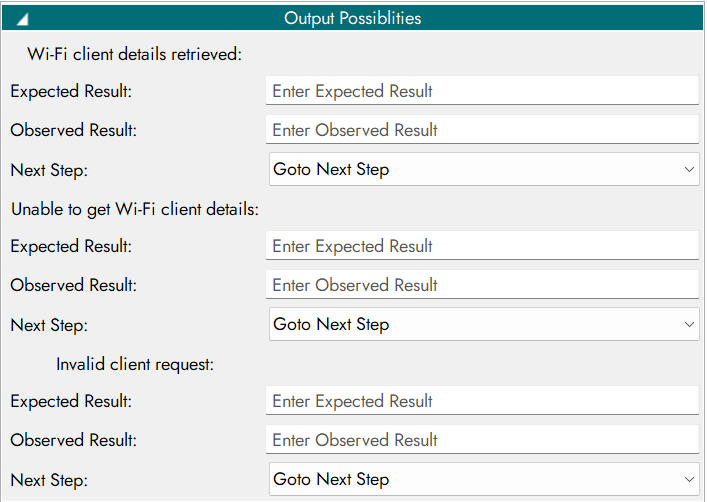
WIFI Get Client Details - output parameter.
Output Possibilities Configuration
3. WIFI Set Internet
Enables or disables internet access for the WiFi network.

Properties
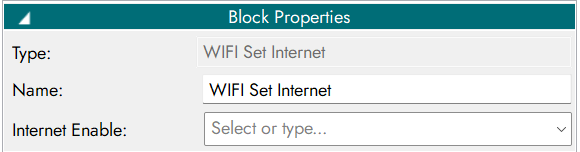
Inputs
Parameter Name |
Description |
|---|---|
On/Off |
Boolean value to enable (true) or disable (false) internet connectivity |
WIFI Set Internet - input parameter.
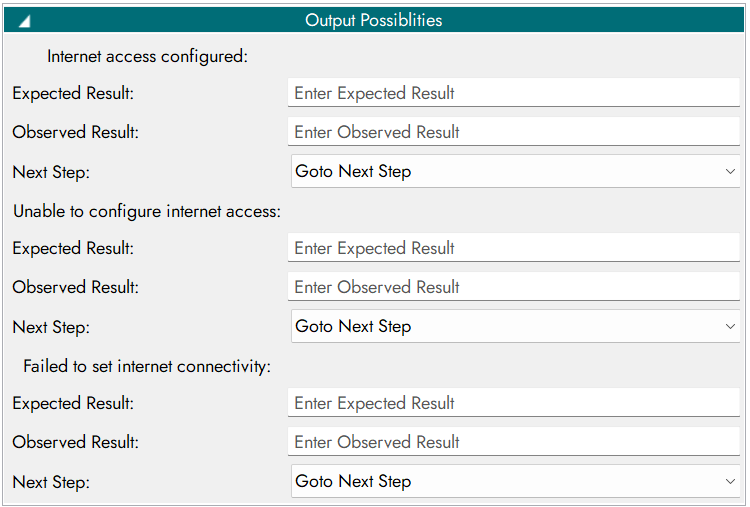
Outputs
Output Code |
Description |
|---|---|
0 |
Internet access configured |
1 |
Unable to configure internet access |
-1 |
Failed to set internet connectivity |
WIFI Set Internet - output parameter.
Output Possibilities Configuration
4. WIFI Set WLAN0
Configures the WLAN0 interface with the required WiFi settings.

Properties
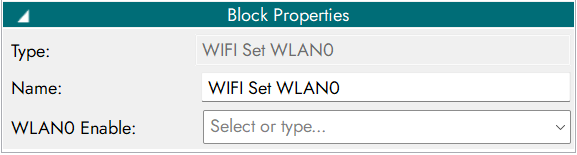
Inputs
Parameter Name |
Description |
|---|---|
On/Off |
Boolean value to enable (true) or disable (false) the WLAN0 interface |
WIFI Set WLAN0 - input parameter.
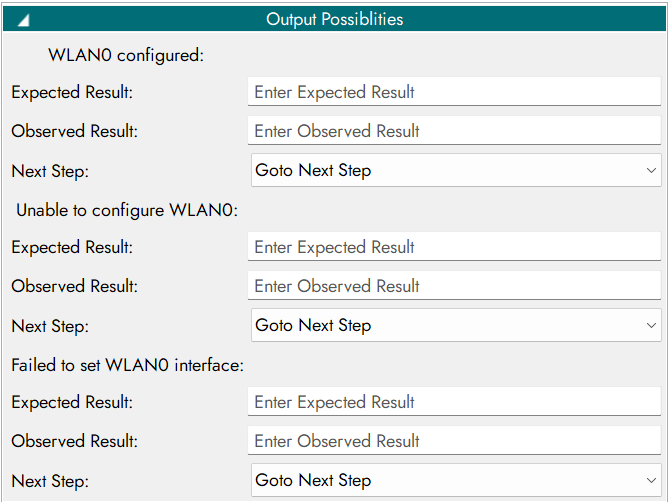
Outputs
Output Code |
Description |
|---|---|
0 |
WLAN0 configured |
1 |
Unable to configure WLAN0 |
-1 |
Failed to set the WLAN0 interface |
WIFI Set WLAN0 - output parameter.
Output Possibilities Configuration
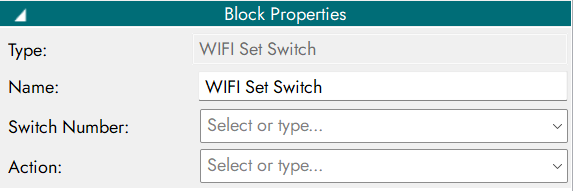
5. WiFi Set Switch
Turns the WiFi module ON or OFF on the device.

Properties
Inputs
Parameter Name |
Description |
|---|---|
Switch Number |
The number of the switch to operate |
Action |
Action to perform press or release |
WiFi Set Switch - input parameter.
Outputs
Output Code |
Description |
|---|---|
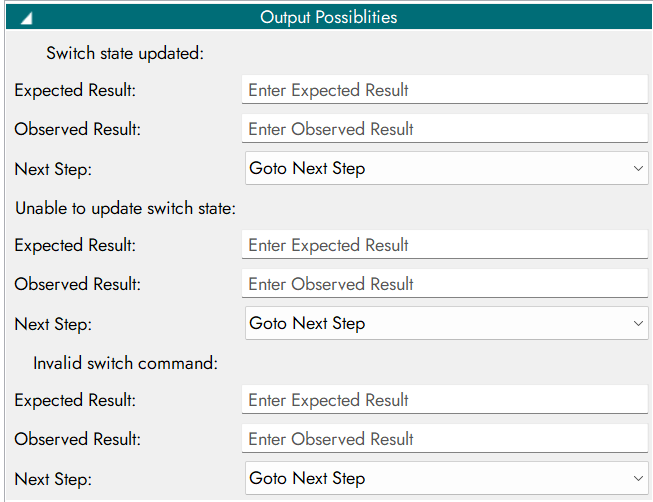
0 |
Switch state updated |
1 |
Unable to update switch state |
-1 |
Invalid switch command |
WiFi Set Switch - output parameter.
Output Possibilities Configuration
6. WIFI Set IP
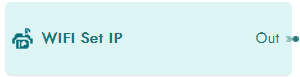
Sets the IP address configuration for the WiFi interface.
Properties
Inputs
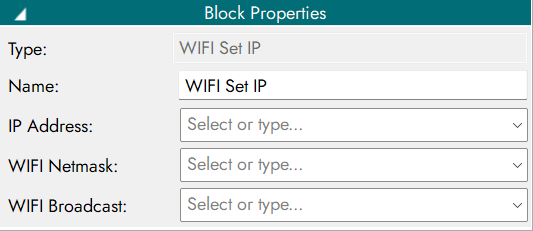
Parameter Name |
Description |
|---|---|
IP Address |
Specifies the IP address to be assigned to the WiFi interface |
WIFI Netmask |
Defines the subnet mask used for the network configuration |
WIFI Broadcast |
Specifies the broadcast address for the configured network |
WiFi Set IP - input parameter.
Outputs
Output Code |
Description |
|---|---|
0 |
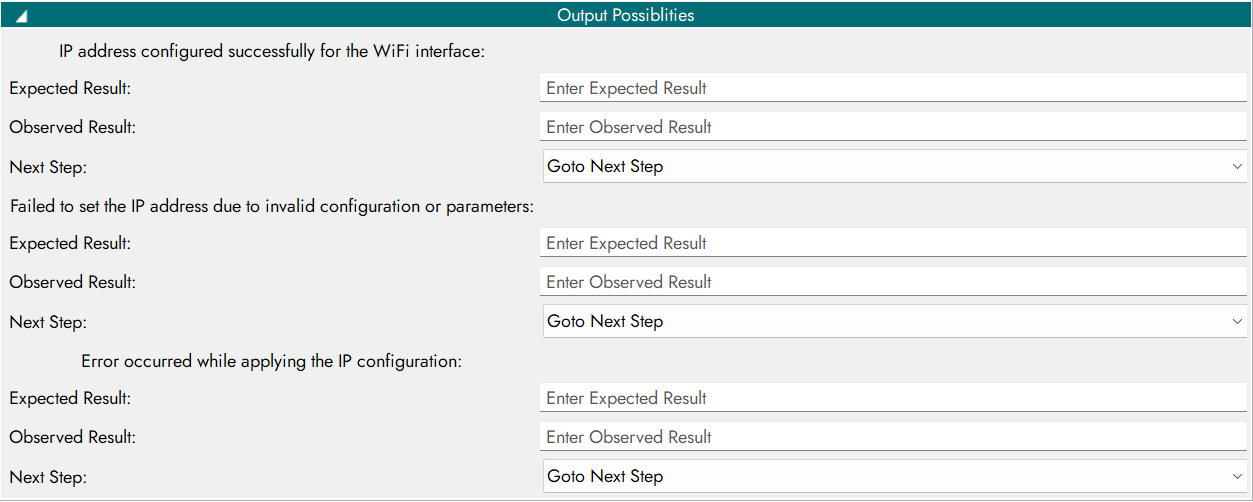
IP address configured successfully for the WiFi interface |
1 |
Failed to set the IP address due to invalid configuration or parameters |
-1 |
Error occurred while applying the IP configuration |
WiFi Set IP - output parameter.
Output Possibilities Configuration
7. WIFI Get IP
Retrieves the current IP address assigned to the WiFi interface.

Properties

Outputs
Output Code |
Description |
|---|---|
0 |
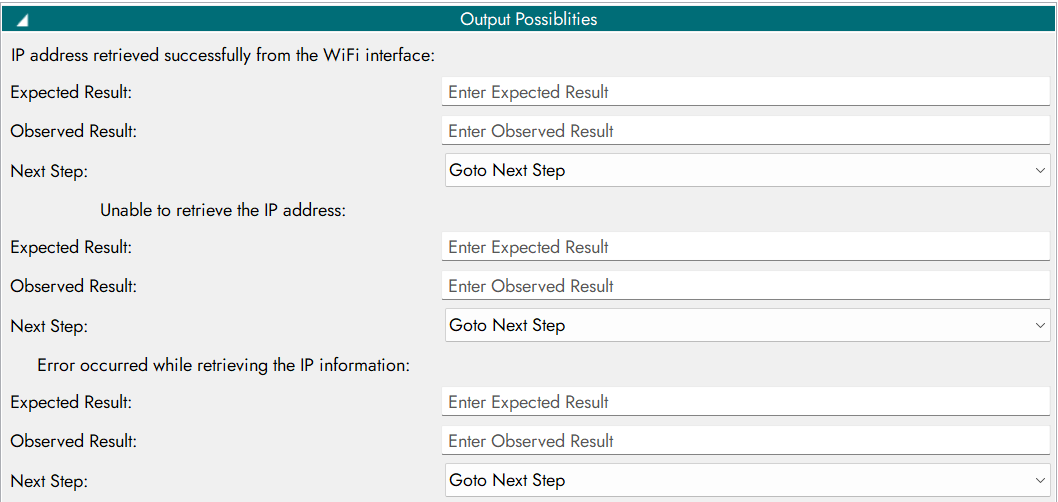
IP address retrieved successfully from the WiFi interface |
1 |
Unable to retrieve the IP address |
-1 |
Error occurred while retrieving the IP information |
WiFi Get IP - output parameter.
Output Possibilities Configuration
8. WIFI Stop AP
Stops the currently running WiFi Access Point (AP).

Properties
Outputs
Output Code |
Description |
|---|---|
0 |
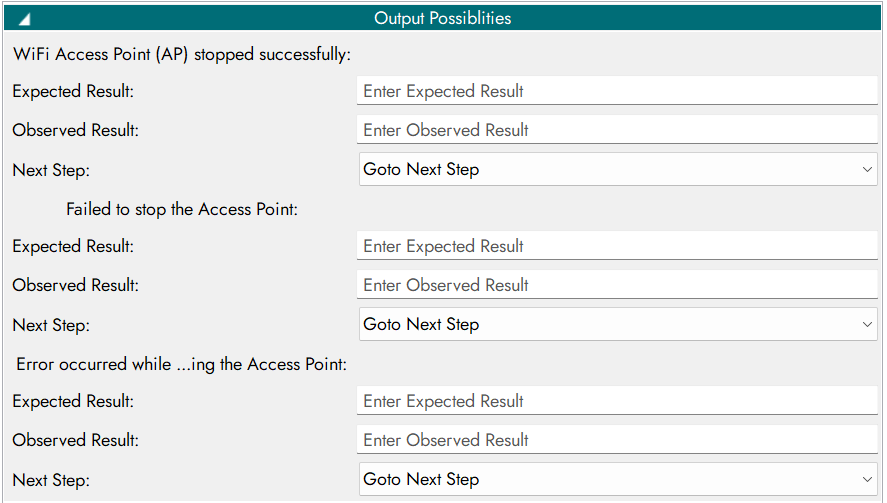
WiFi Access Point (AP) stopped successfully |
1 |
Failed to stop the Access Point |
-1 |
Error occurred while stopping the Access Point |
WiFi Stop AP - output parameter.
Output Possibilities Configuration
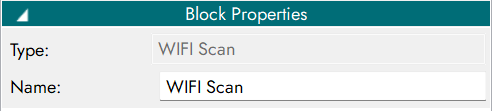
9. WIFI Scan
Scans and lists the available WiFi networks within range.

Properties
Outputs
Output Code |
Description |
|---|---|
0 |
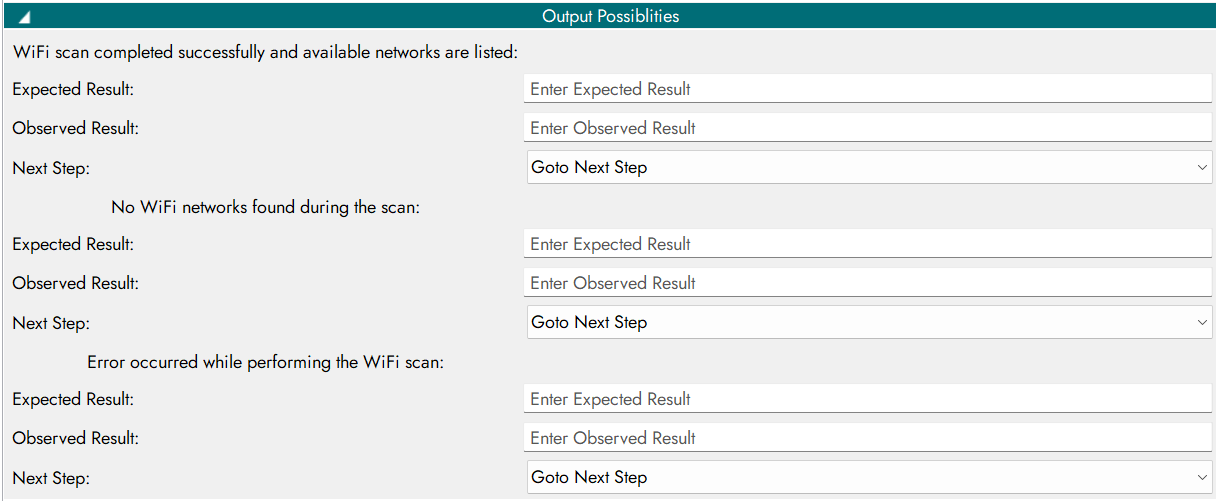
WiFi scan completed successfully and available networks are listed |
1 |
No WiFi networks found during the scan |
-1 |
Error occurred while performing the WiFi scan |
WiFi Scan - output parameter.
Output Possibilities Configuration
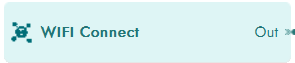
10. WIFI Connect
Connects the device to a specified WiFi network.
Properties
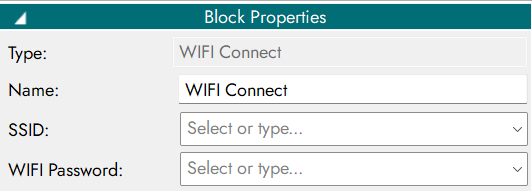
Inputs
Parameter Name |
Description |
|---|---|
SSID |
Specifies the name of the WiFi network to which the device should connect |
WIFI Password |
Specifies the authentication password required to connect to the WiFi network |
WiFi Connect - input parameter.
Outputs
Output Code |
Description |
|---|---|
0 |
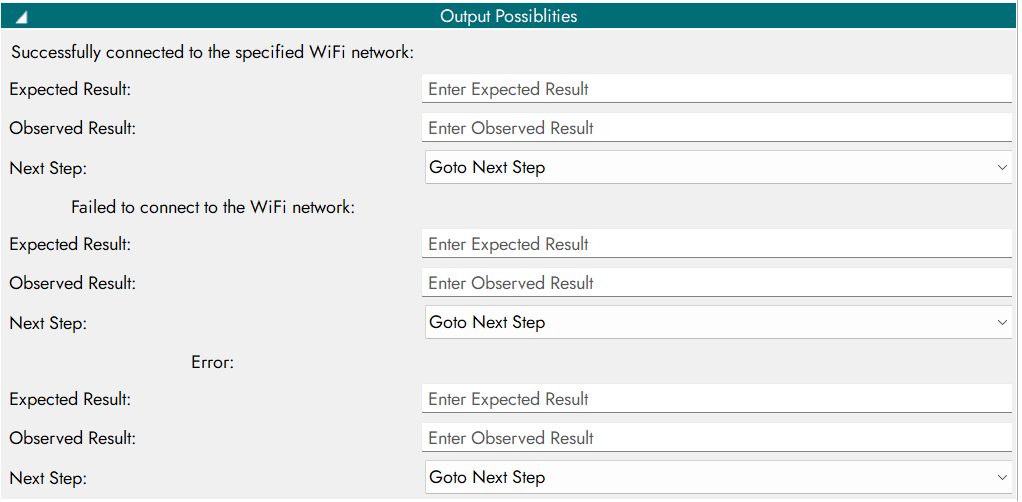
Successfully connected to the specified WiFi network |
1 |
Failed to connect to the WiFi network |
-1 |
Error |
WiFi Connect - output parameter.
Output Possibilities Configuration
11. WIFI Disconnect
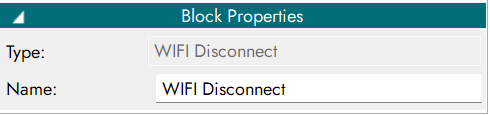
Disconnects the device from the currently connected WiFi network.

Properties
Outputs
Output Code |
Description |
|---|---|
0 |
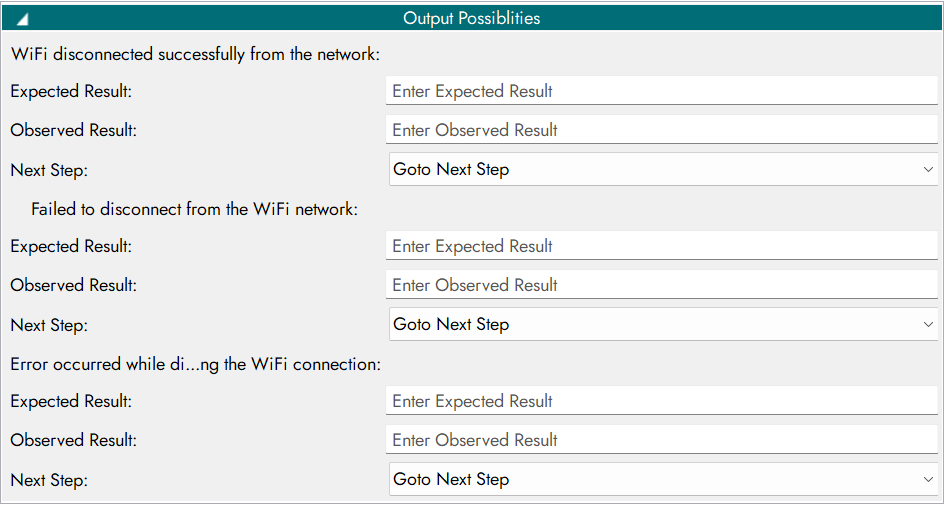
WiFi disconnected successfully from the network |
1 |
Failed to disconnect from the WiFi network |
-1 |
Error occurred while disconnecting the WiFi connection |
WiFi Disconnect - output parameter.
Output Possibilities Configuration
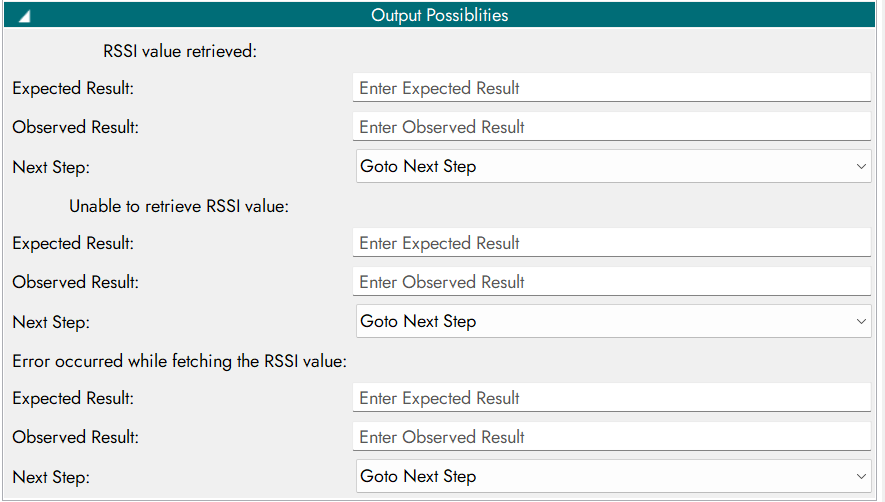
12 WIFI RSSI
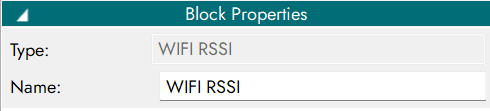
Retrieves the received signal strength (RSSI) of the connected WiFi network.

Properties
Outputs
Output Code |
Description |
|---|---|
0 |
RSSI value retrieved |
1 |
Unable to retrieve RSSI value |
-1 |
Error occurred while fetching the RSSI value |
WiFi RSSI - output parameter.