Utility Agent
Purpose
The Utility Agent provides common data-processing, comparison, and helper operations used across test workflows. It enables logical validation, string manipulation, and external command execution to support dynamic and data-driven testing.
Utility Agent Blocks
1. Equals To
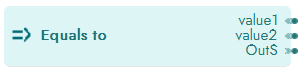
Compares two values for equality.
Properties

Inputs
Parameter Name |
Description |
|---|---|
Value1 |
First value to compare |
Value2 |
Second value to compare |
Equals To - input parameter.
Outputs
Output Code |
Description |
|---|---|
0 |
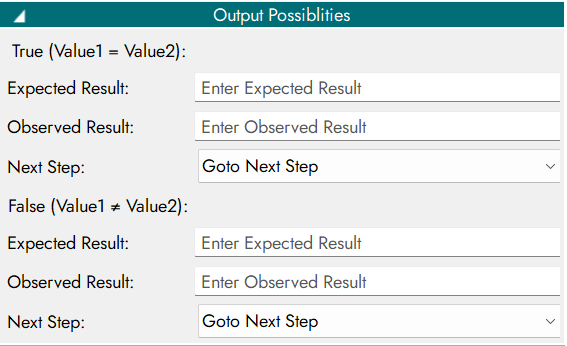
True (Value1 = Value2) |
1 |
False (Value1 ≠ Value2) |
Equals To - output parameter.
Output Possibilities Configuration
2. Greater Than
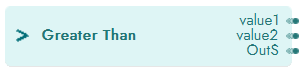
Checks whether one value is greater than another.
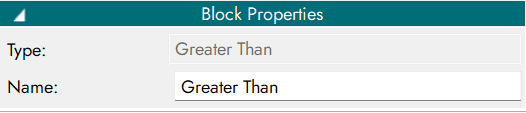
Properties
Inputs
Parameter Name |
Description |
|---|---|
Value1 |
First value to compare |
Value2 |
Second value to compare |
Greater Than - input parameter.
Outputs
Output Code |
Description |
|---|---|
0 |
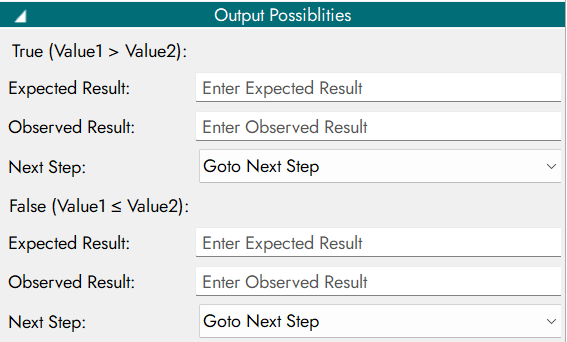
True (Value1 > Value2) |
1 |
False (Value1 ≤ Value2) |
Greater Than - output parameter.
Output Possibilities Configuration
3. Less Than
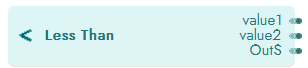
Checks whether one value is less than another.
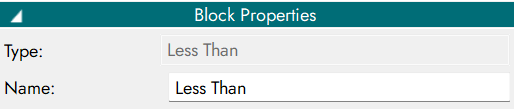
Properties
Inputs
Parameter Name |
Description |
|---|---|
Value1 |
First value to compare |
Value2 |
Second value to compare |
Less Than - input parameter.
Outputs
Output Code |
Description |
|---|---|
0 |
True (Value1 < Value2) |
1 |
False (Value1 ≥ Value2) |
Less Than - output parameter.
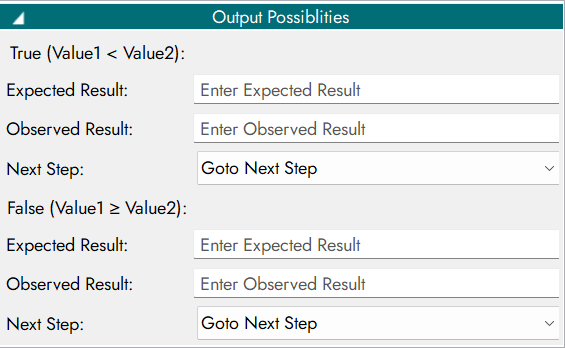
Output Possibilities Configuration
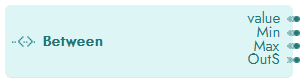
4. Between
Validates whether a value lies within a specified range.
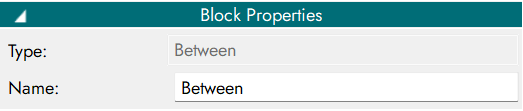
Properties
Inputs
Parameter Name |
Description |
|---|---|
Value1 |
Value to check |
Min |
Minimum boundary |
Between - input parameter.
Outputs
Output Code |
Description |
|---|---|
0 |
True (value is between Min and Max) |
1 |
False (value is outside the range) |
Between - output parameter.
Output Possibilities Configuration

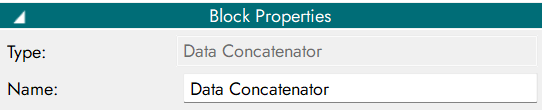
5. Data Concatenator
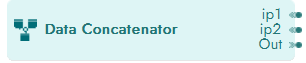
Concatenates two values into a single output.
Properties
Inputs
Parameter Name |
Description |
|---|---|
Value1 |
First value to concatenate |
Value2 |
Second value to concatenate |
Data Concatenator - input parameter.
Outputs
Output Code |
Description |
|---|---|
0 |
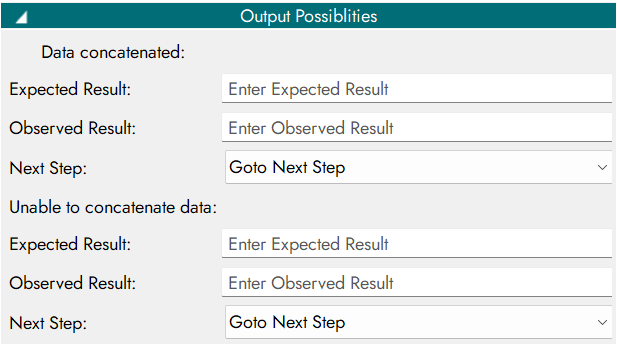
Data concatenated |
1 |
Unable to concatenate data |
Data Concatenator - output parameter.
Output Possibilities Configuration
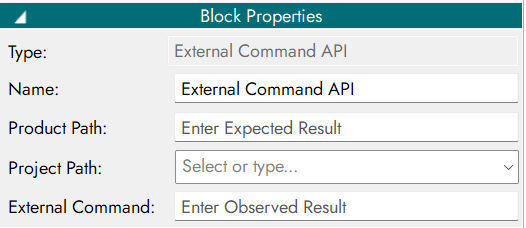
6. External Command API
Executes an external command using input values.

Properties
Inputs
Parameter Name |
Description |
|---|---|
Value1 |
First value for the external command |
Value2 |
Second value for the external command |
External Command API - input parameter.
Outputs
Output Code |
Description |
|---|---|
0 |
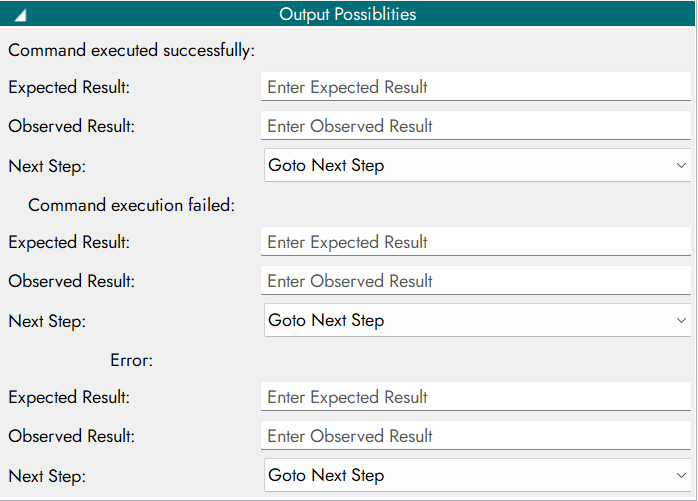
Command executed successfully |
1 |
Command execution failed |
2 |
Error |
External Command API - output parameter.
Output Possibilities Configuration
7. Text Contains
Checks whether a string contains a specified substring.
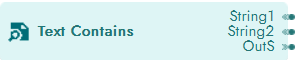
Properties
Inputs
Parameter Name |
Description |
|---|---|
String1 |
Main string |
String2 |
Substring to check |
Text Contains - input parameter.
Outputs
Output Code |
Description |
|---|---|
0 |
True (String1 contains String2) |
1 |
False (String1 does not contain String2) |
2 |
Error |
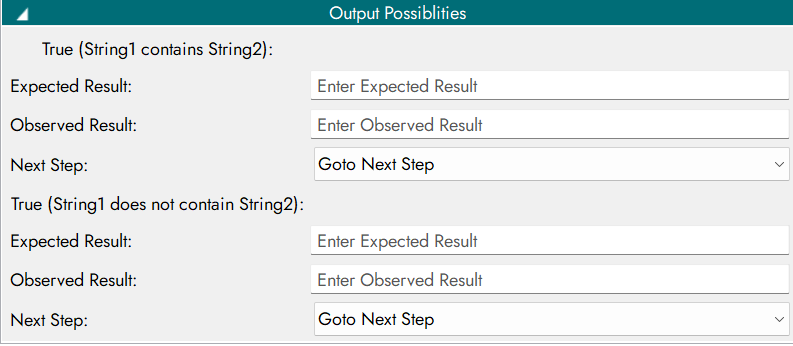
Text Contains - output parameter.