Report Generation
After test execution is completed, TestBot automatically generates structured reports for analysis and review. All generated reports are stored inside the Reports folder within the project workspace.
Reports are generated in Excel format, making them easy to review, share, and integrate into standard QA workflows and compliance documentation.
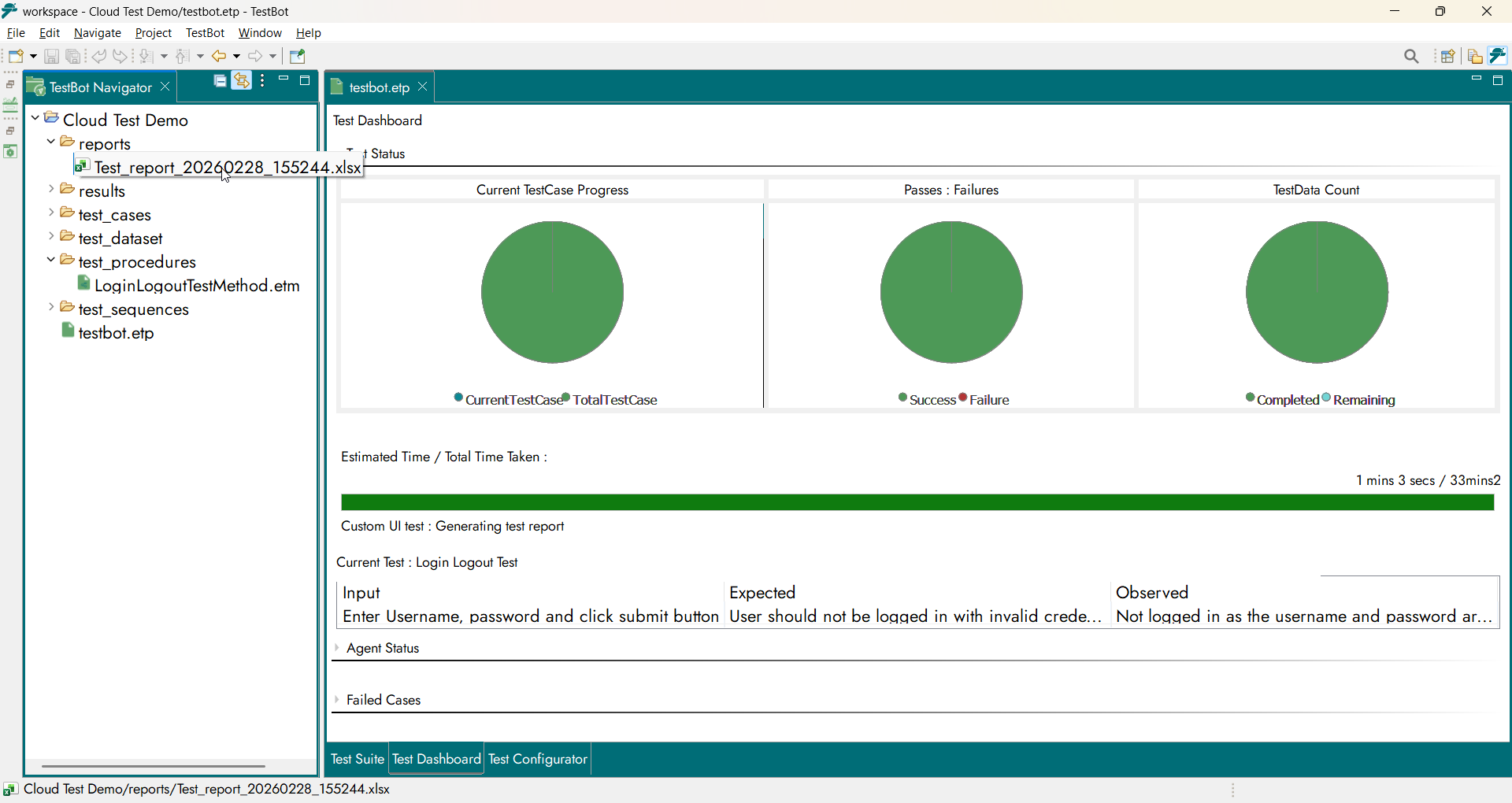
Reports folder location
Report Structure
Each TestBot report contains:
Summary Sheet
The Summary Sheet provides a consolidated high-level overview of the executed test session, including:
Project name
Execution date and time
Total Test Sets executed
Total Test Items executed
Pass / Fail / Skipped statistics
Overall execution status
This helps quickly assess system quality without navigating through detailed logs.
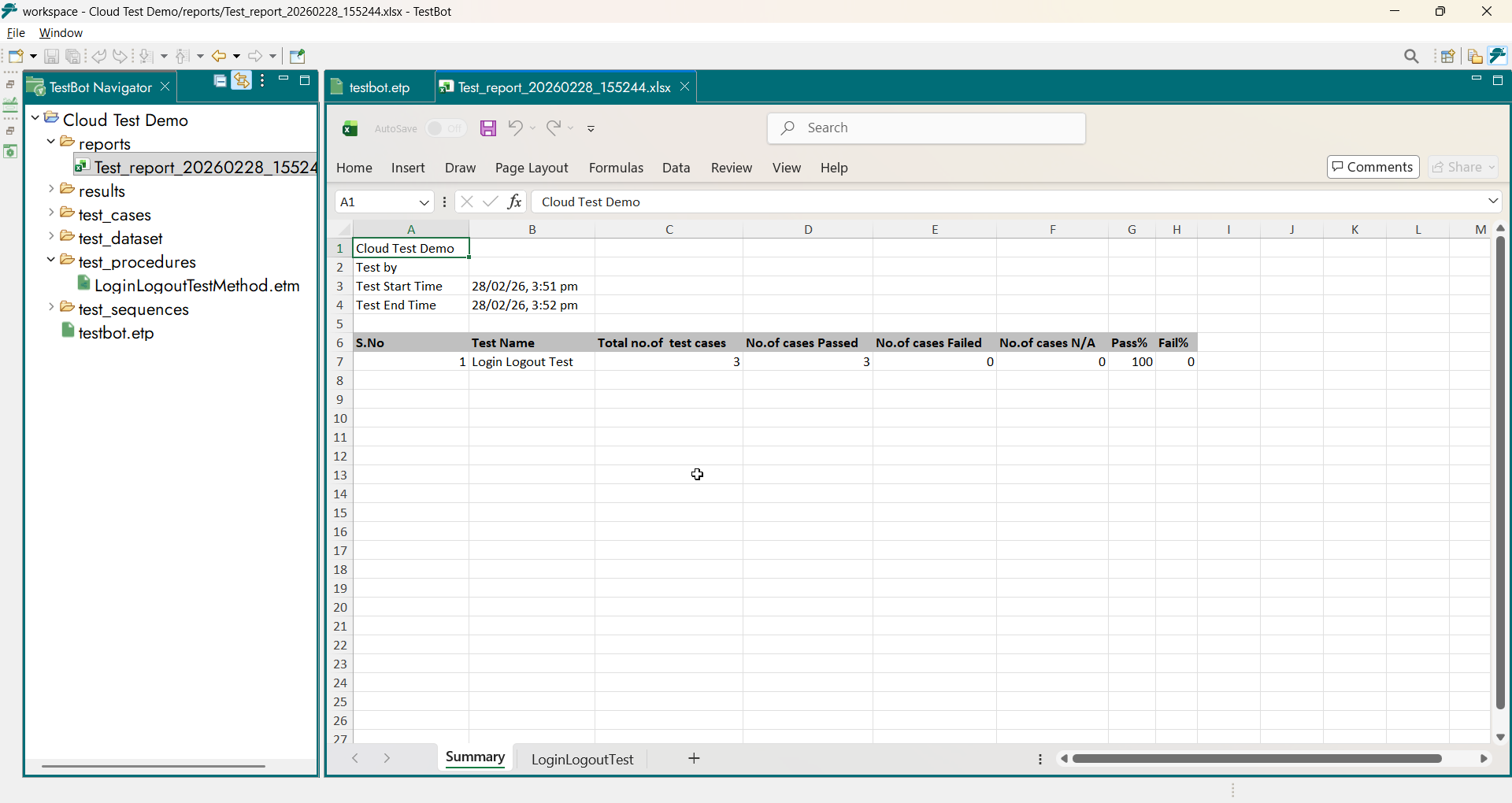
Report summary sheet
Test Case Report Sheet
The Test Case Report Sheet provides detailed results for each executed test case within the test set. Each row represents an individual test case along with its execution details and outcome.
The sheet includes the following information:
S.No – Sequential number of the test case
Test ID – Unique identifier of the test case
Test Name – Name of the executed test method
Test Input – Steps or input data used during execution
Expected Result – Expected behavior or output of the test
Observed Result – Actual behavior or output observed during execution
Result – Final execution status (PASS / FAIL)
This sheet enables users to analyze test execution at a detailed level and easily compare expected results with actual outcomes.

Test Case Report Sheet